
With the growing concerns on the permissions requested by every application, users are starting to trust apps that do not enforce them to keep accepting permissions for using the functionalities present in the application. While ‘Storage Permission’ is quite important and you might think its necessary for doing storage related operations and providing the functionalities, its not so.
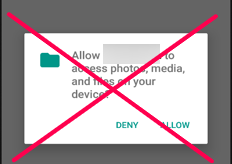
How are we going to implement? It’s quite easy. We will be using the Internal Storage provided for the applications and use them to store the media files there. The steps to do so is described below —
Case Study — Let’s say we are creating an application which takes documents/images from the user to store it inside the application for future usage (We’ve implemented a similar functionality in one of our applications on PlayStore — Attendance Manager which allows the user to store documents inside the application for future usage). We’ve done this without explicitly requesting for Storage Permission which you can verify by checking the permissions of the application from settings menu.
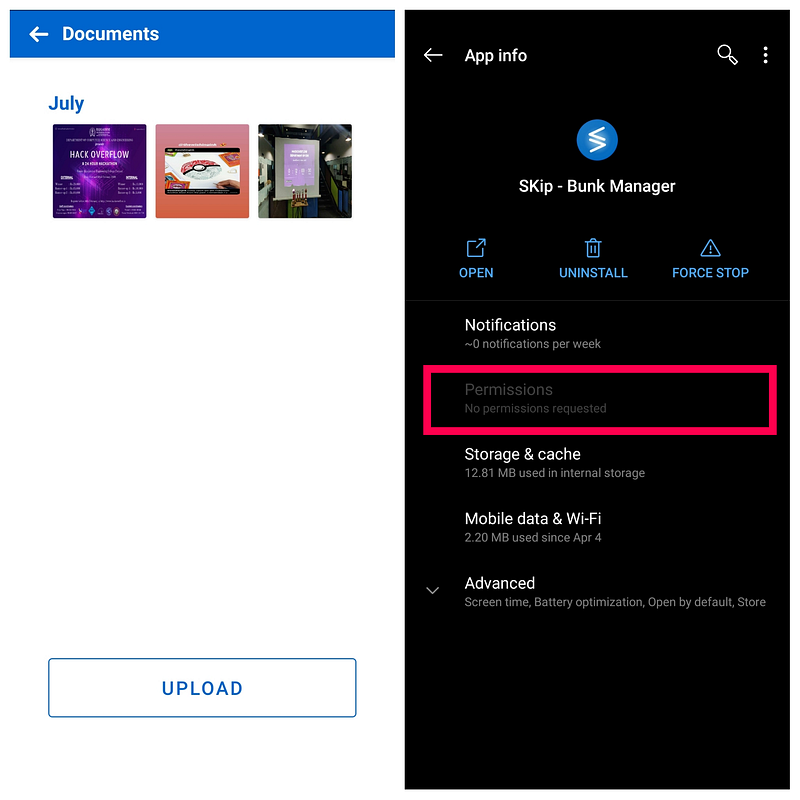
Let’s say, we want to let our users take an image from the Gallery and store it inside the app for future use as we have done it for the SKip application. To do so, first we will put up a gallery intent to the user —
Code sampleView this snippet on GitHub Gist
We can call the method from let’s say an onClick event of a button probably. Now, after the user selects an image, it’ll bring us to the onActivityResult. We’ll implement it as —
Code sampleView this snippet on GitHub Gist
We’ll now implement the onSelectFromGalleryResult() method. Here we are getting the intent and converting it into a Bitmap which will be stored —
Code sampleView this snippet on GitHub Gist
The saveBitmap() method is where we’ll be using to store the image onto the storage. We first check if we have a directory already created with the ‘image’ name. We name our file and use FileOutputStream to store the file at the given location—
Code sampleView this snippet on GitHub Gist
After storing, we call another method — scanGallery() to verify if the file was stored and notify the user —
Code sampleView this snippet on GitHub Gist
Done! The image has been stored. So what now? We’ll need to retrieve it and show it to the user right? We’ll do that with the below method —
Code sampleView this snippet on GitHub Gist
We’ll use a Utility method getFilePath() to fetch the directory —
Code sampleView this snippet on GitHub Gist
We can now load these images using any image loading library, for example here we’ve used Picasso to do the same —
Code sampleView this snippet on GitHub Gist
We hope now with this implementation, your user can be more assured about using the application and not worry about the app exploiting their privacy.
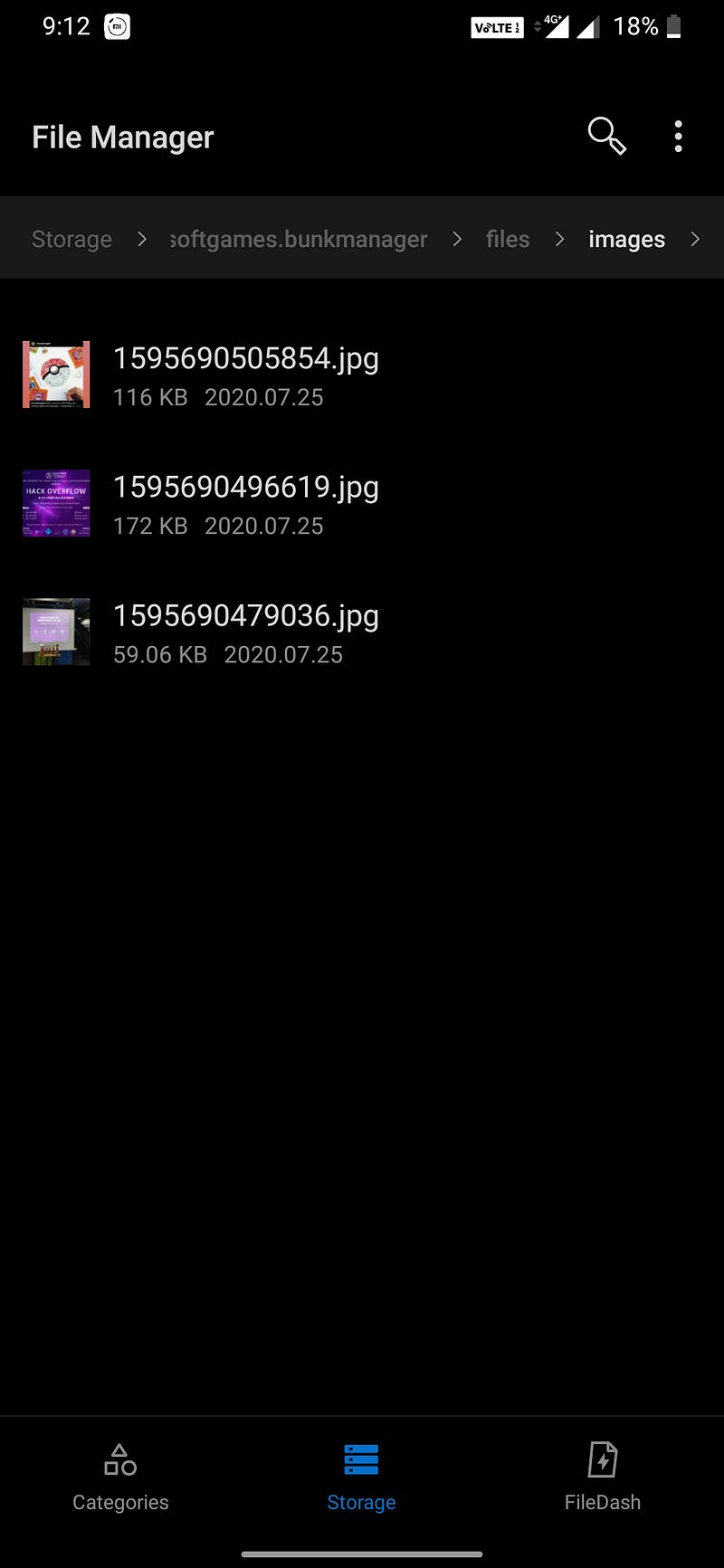
While this cannot be use in every case, for basic cases, these works quite well. You can view the saved images by navigating to —
Internal Storage->Android->data->{package_name}->files->{folder_name}
and voila!
In case you haven’t noticed, I am Varun — Founder of Dwarsoft. We at Dwarsoft create custom products for our clients and would love to have you on board.